Import your 8020REI property data into LaunchControl in three passes — one for each Action Plan (Urgent, High, Low). Filter your file before each upload to keep lists correctly segmented.
Step-by-Step Instructions
1. Navigate to LaunchControl
Go to app.launchcontrol.us.
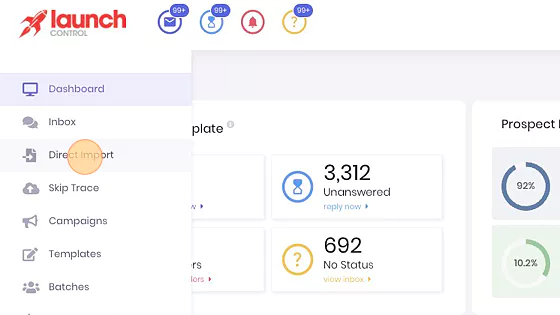
2. Click "Direct Import"
This option lets you upload property lists directly from your computer.
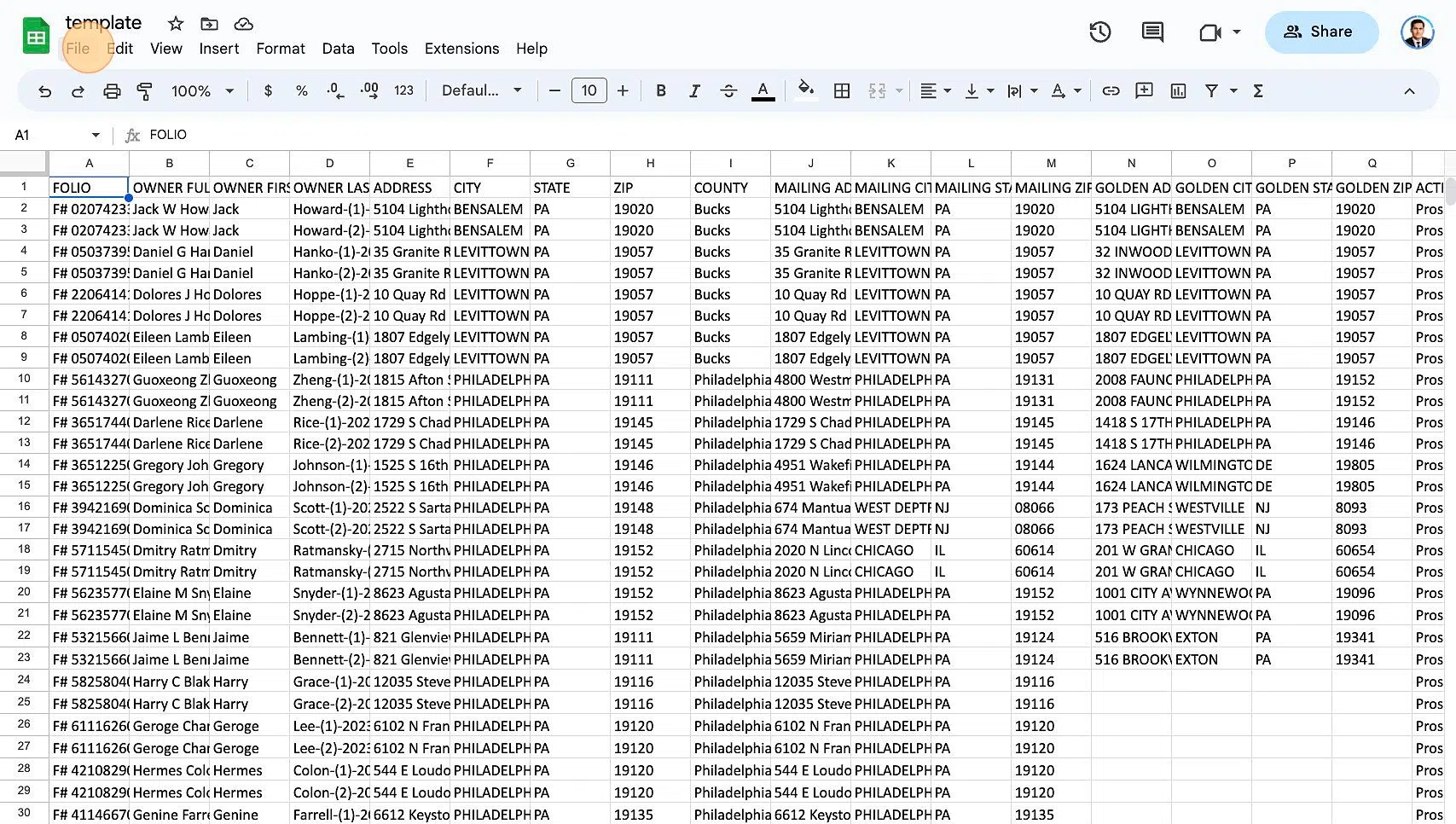
3. Filter by Action Plan
From the file 8020REI sent, filter and import only one Action Plan at a time (e.g., High). Repeat for the other categories (Urgent, Low).
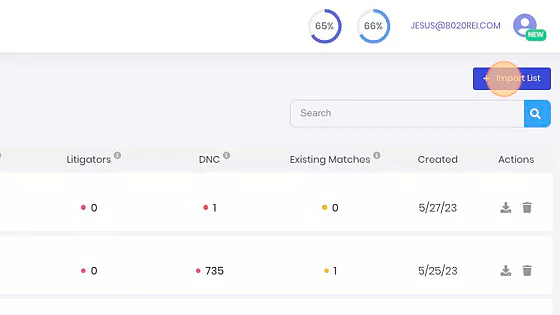
4. Click "Import List"
Start the list import process.
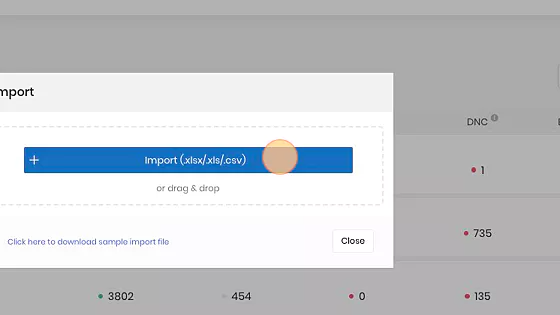
5. Select File Format
Click "Import (.xlsx/.xls/.csv)". We recommend .CSV for clean field mapping.
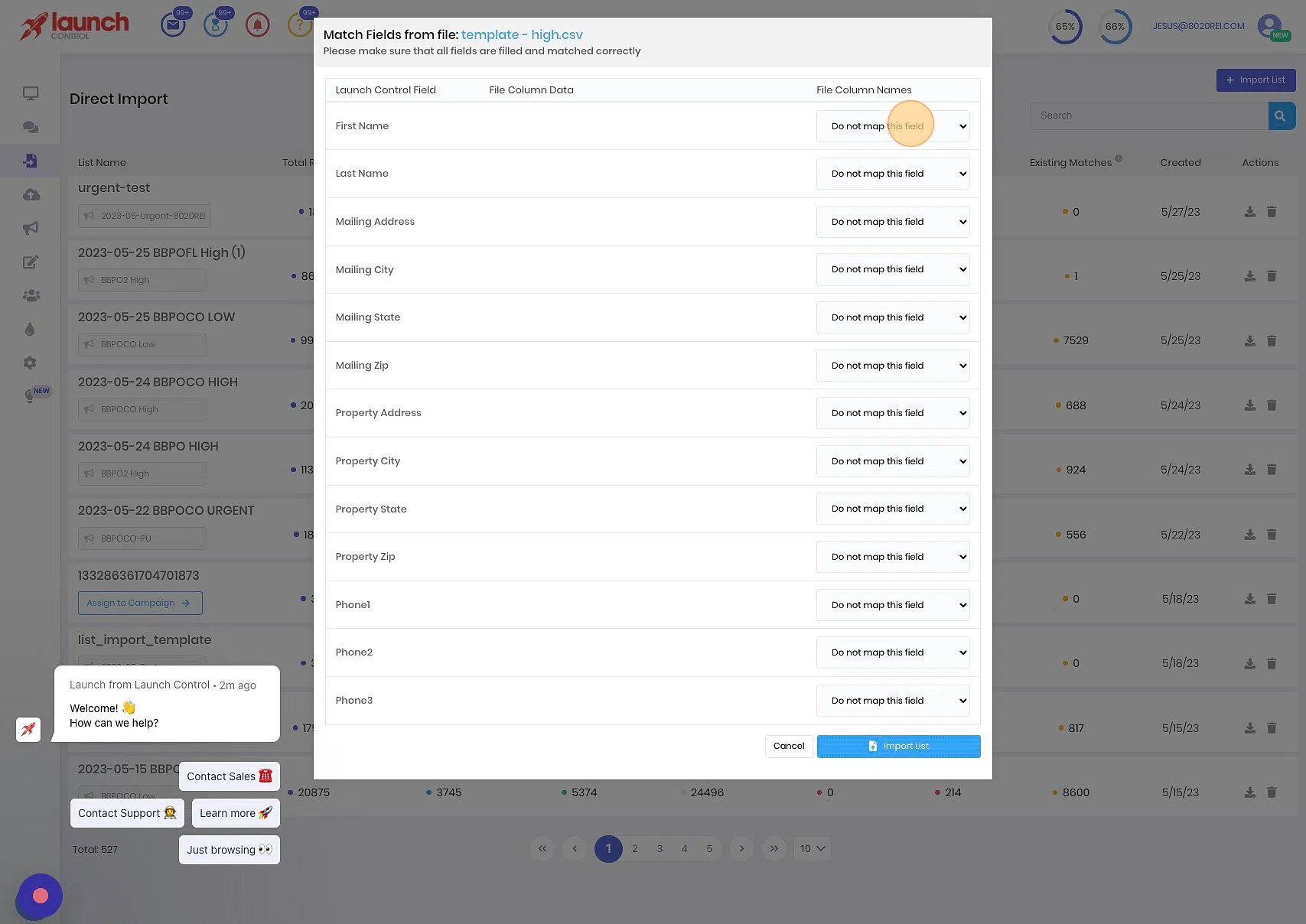
6. Map the Fields
Map the columns in your file to LaunchControl variables (First Name, Last Name, Address, Phone Number, etc.).
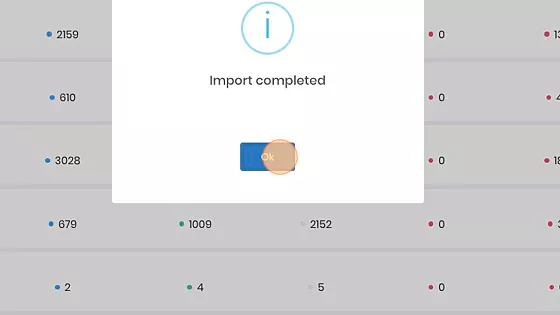
7. Confirm and Process
Once mapping is complete, click "OK" to begin processing.
Tips
- Double-check that each import contains only the correct Action Plan segment.
- Ensure your list format aligns with LaunchControl requirements.
- Always import the newest file provided by 8020REI.