Upload your property contacts into SmarterContact to begin SMS outreach. 8020REI provides a special formatted file that lets you include more than the standard 4 phone numbers per property.
Step-by-Step Instructions
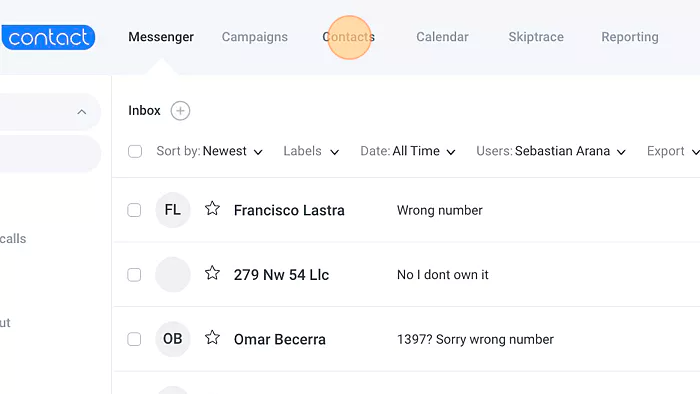
1. Navigate to Contacts
Go to your SmarterContact dashboard and click "Contacts".
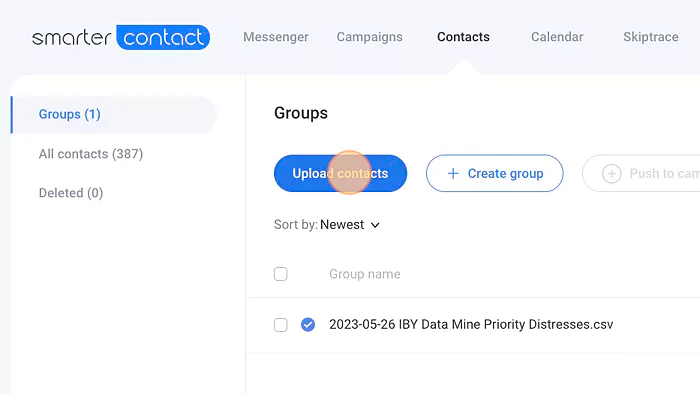
2. Click "Upload Contacts"
This opens the import process window.
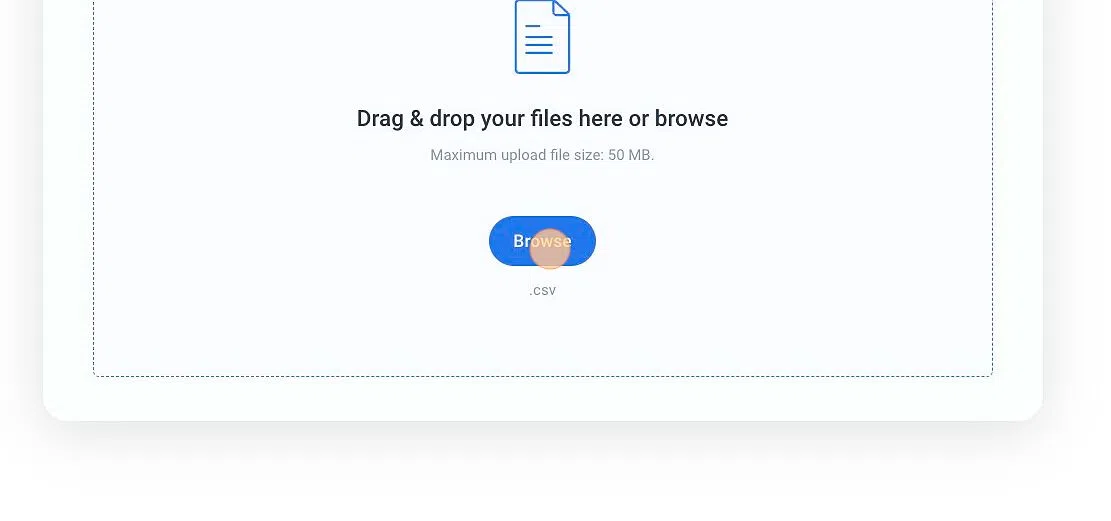
3. Upload Your File
Click "Browse" to locate your CSV file, then click "Next".
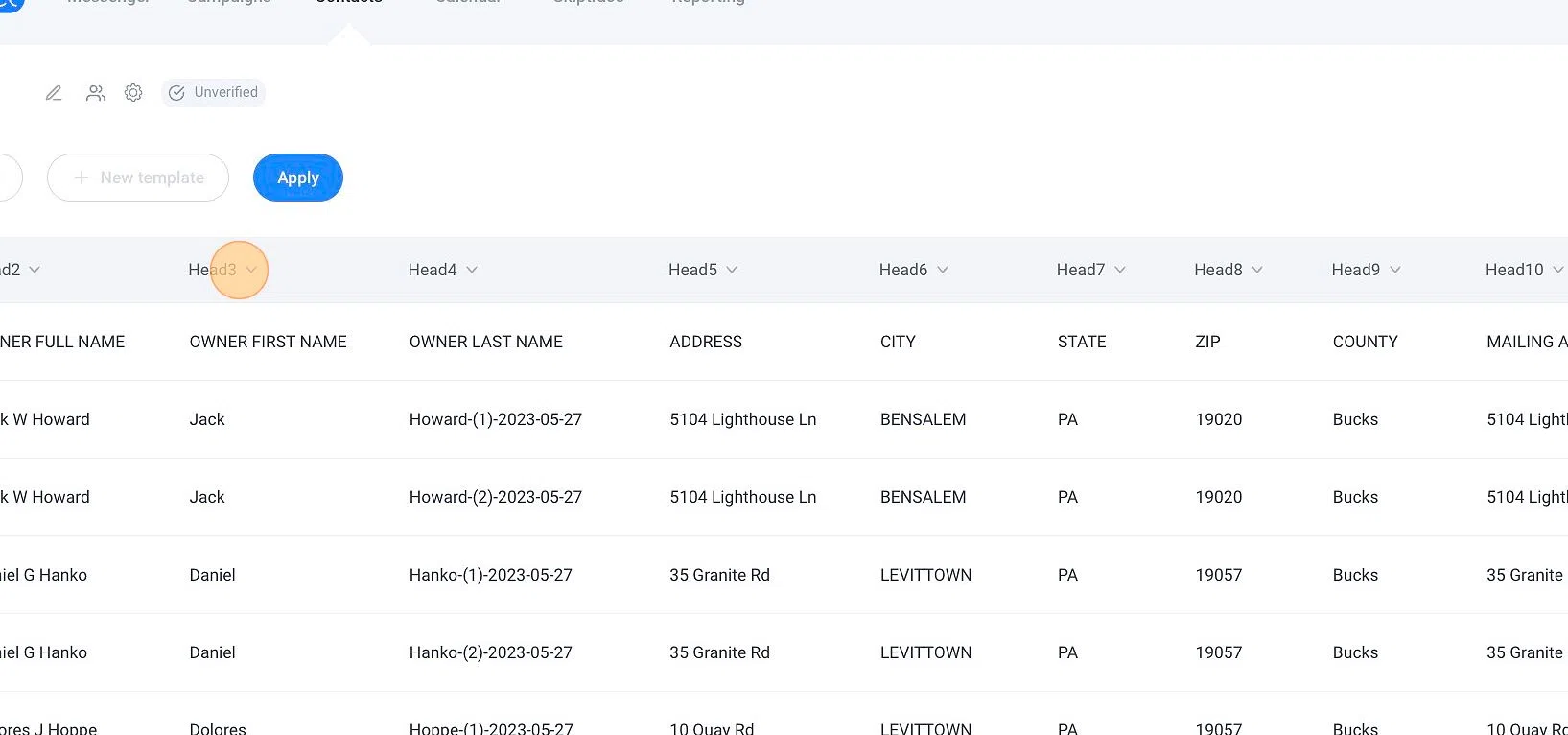
4. Map the Variables
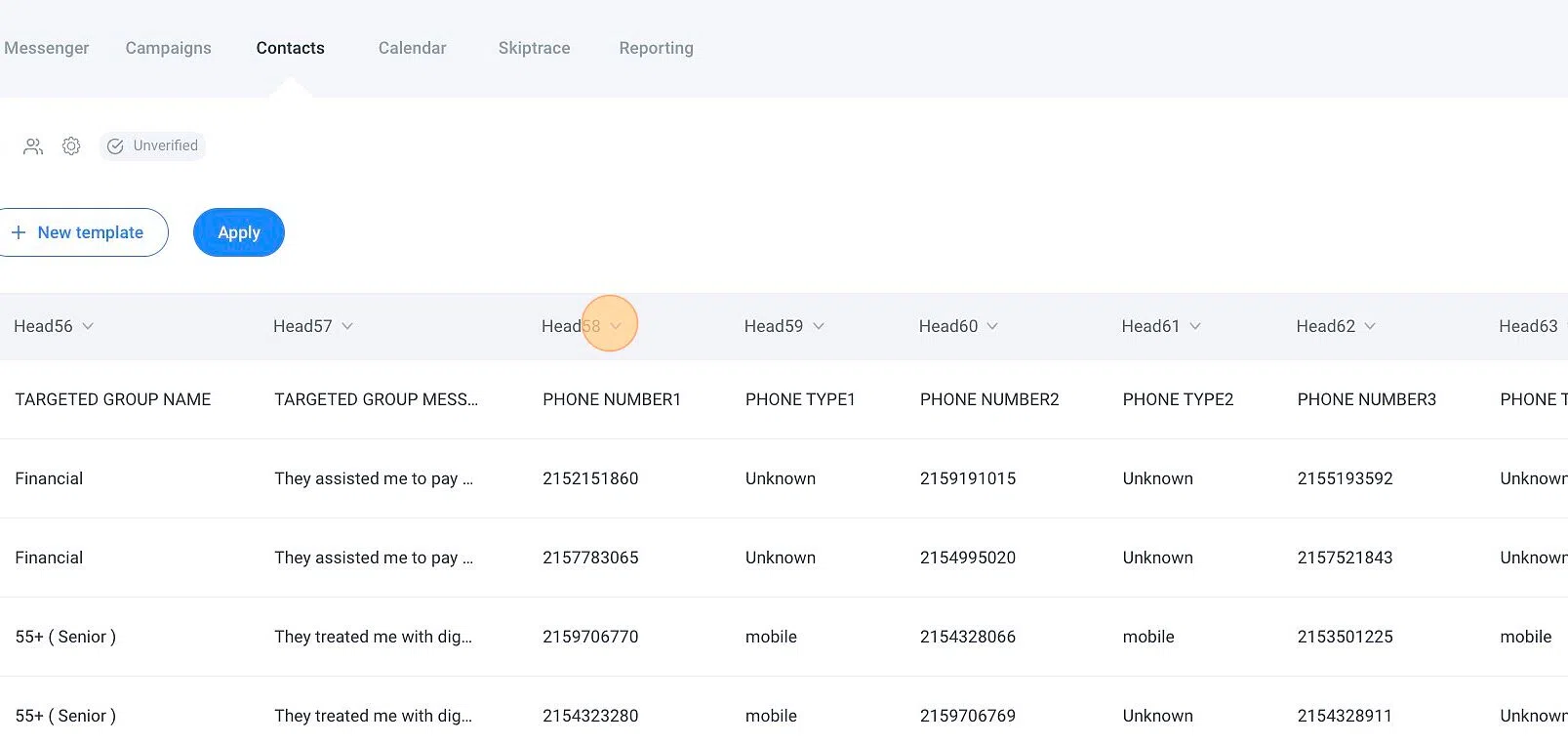
Map the columns in your CSV to the appropriate SmarterContact fields (Name, Phone Number, Address, etc.).
5. Phone Number Limit
SmarterContact allows a maximum of 4 phone numbers per property. However, 8020REI provides a special formatted file that lets you manage more numbers effectively by splitting records.
6. Finalize the Upload
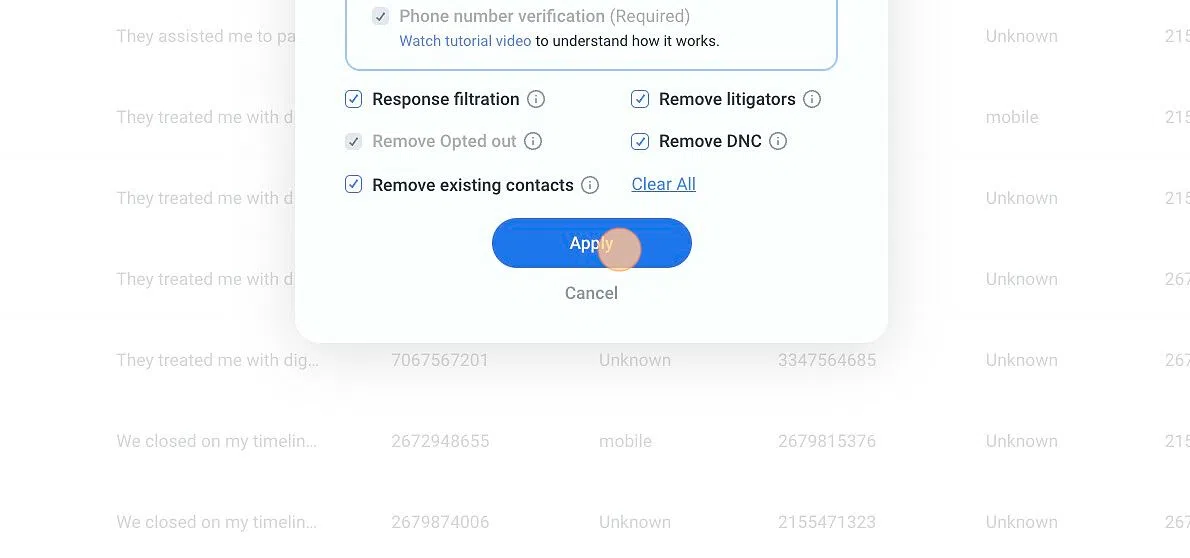
Click "Apply", then click "Back to Upload" to finish.
Video Walkthrough
Need Help?
For help formatting your file or using the 8020REI special upload file, contact support@8020rei.com.